MCP in Bitrix24:
talk to your workspace
Control your work with natural language – inside Bitrix24 and beyond. MCP lets AI systems and Bitrix24 work together seamlessly, so actions happen faster, smarter, and with less effort from you.
What is MCP – and why it matters
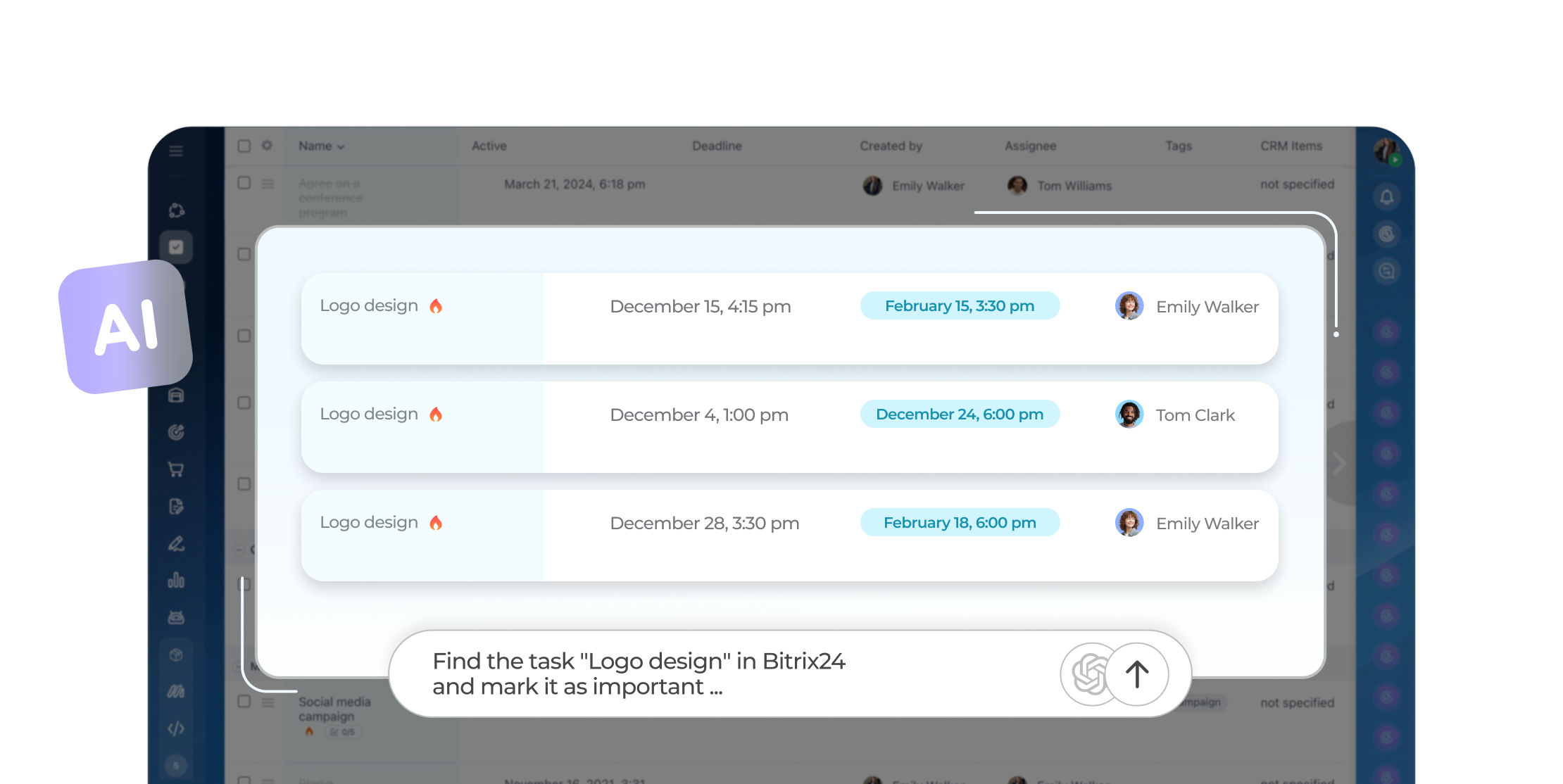
Easy to connect
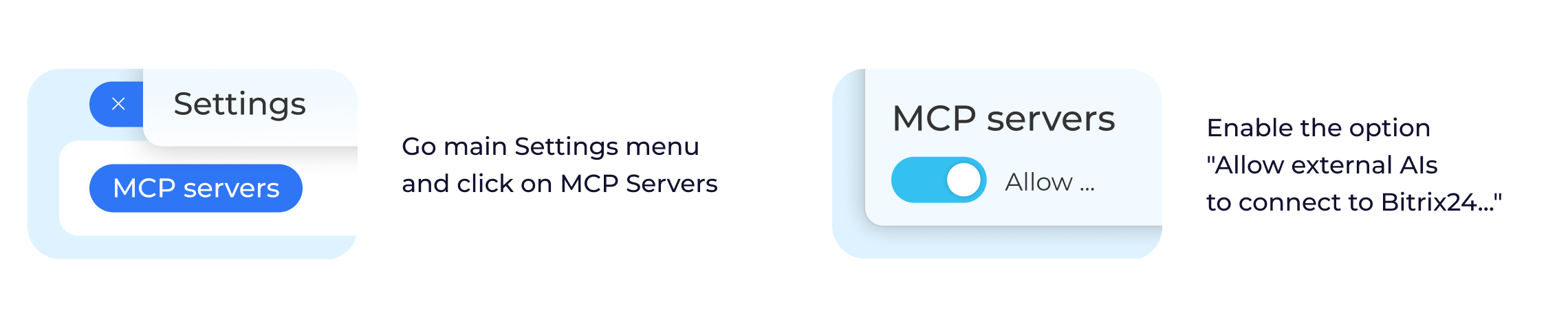
Easy to connect
Bitrix24 MCP server
Let external AI work inside Bitrix24
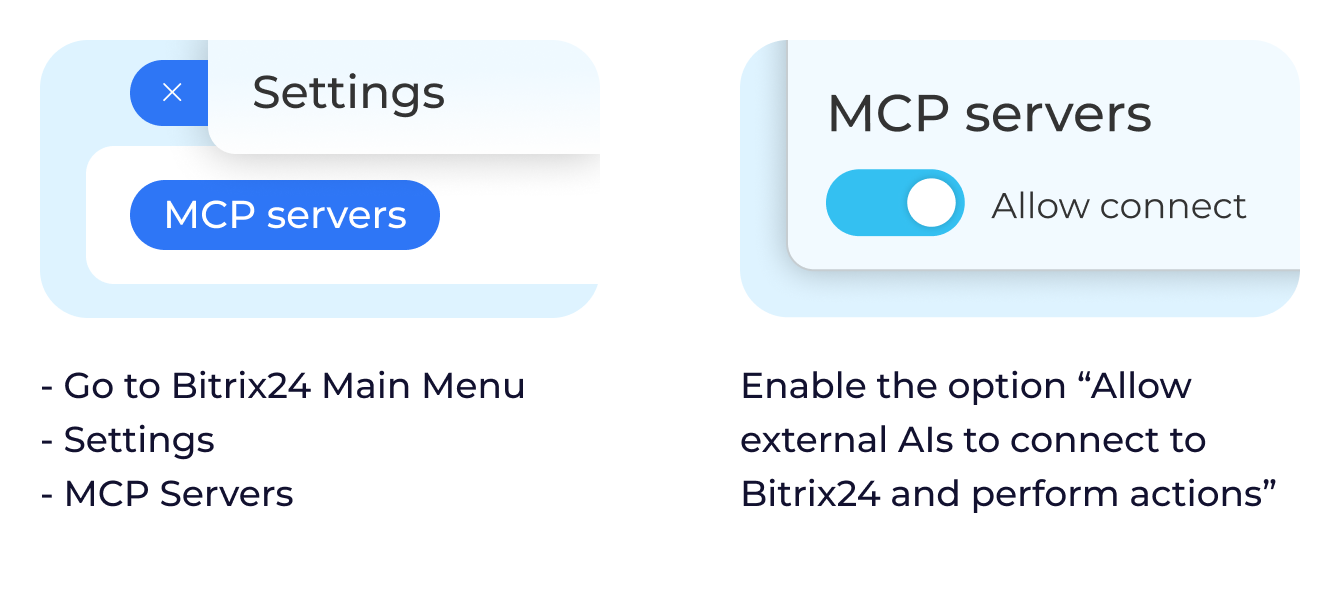
With the Bitrix24 MCP server, external AI systems can securely interact with your workspace – reading data and performing actions on your behalf. This means Bitrix24 becomes part of your AI's working environment, not a separate tool.
External AI tools can access tasks, CRM, calendar events, company structure, files, and chats – always within the permissions you define.
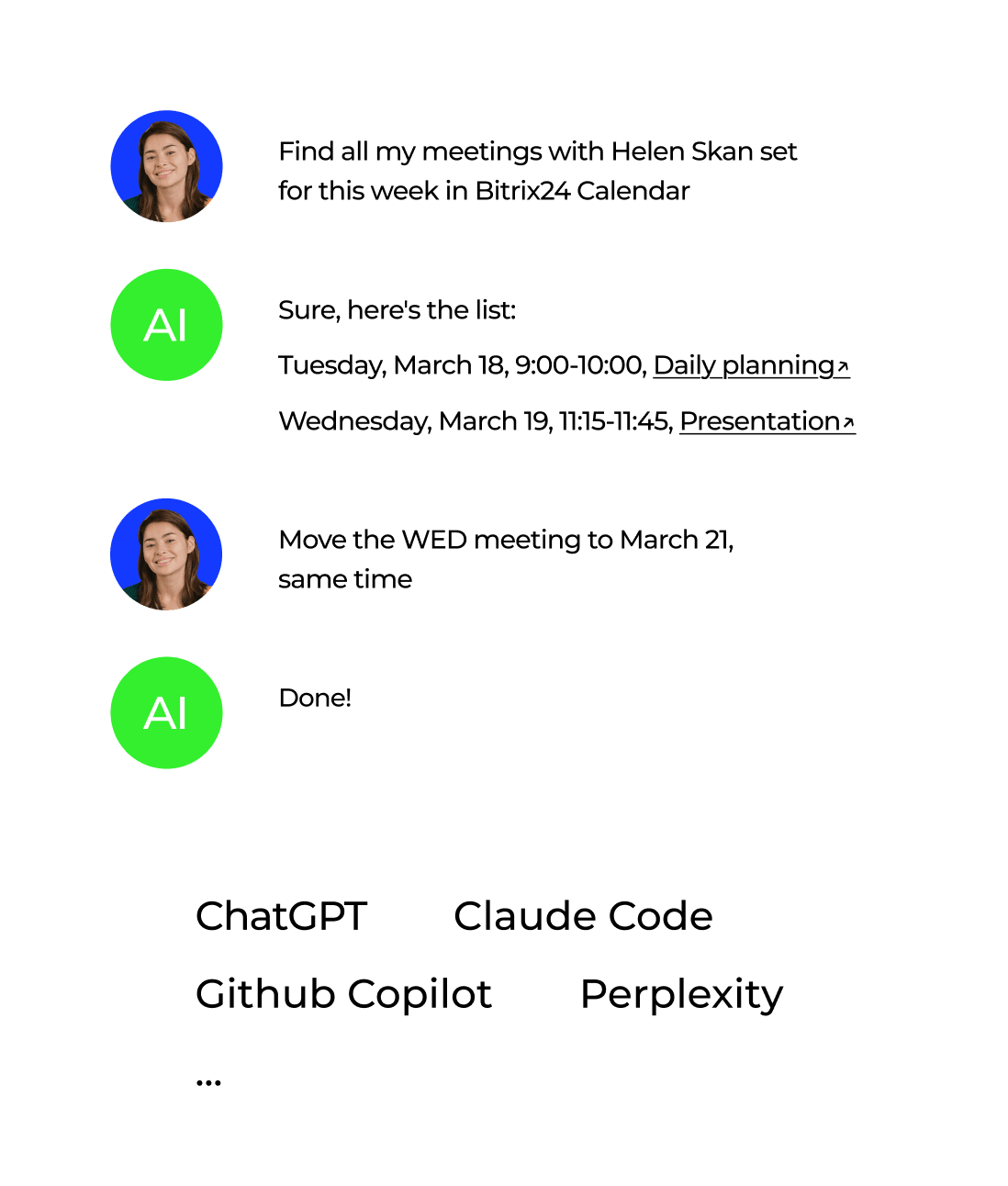
Here's what AI can do in Bitrix24

- Create new tasks
- Change task status
- Set assignee
- Change task name, description, deadline
- Send messages to chat

- Find deals
- Show deal stage
- Analyze lost and won deal amounts

- Create events
- Find open slots/events
- Enable/disable open slots
- Accept/decline invitation
- Create new department/team
- Set up hierarchy
- Add new employee (soon)
- Change user name/avatar (soon)

- Find files
- Move files
- Copy files
- Show file size

- Write/send message
- Find files in chat
- Receive message from chat
- Post message to channel
- Create new collab
- Configure collab
- Send message to collab chat
- Delete collab

- Clock in
- Find late clock-ins
- Show vacation dates
- Send daily report

- Buy/renew subscription plan
- Show current plan
- Show plan features
- Upgrade plan
MCP for developers
Develop apps for Bitrix24 easier and faster with MCP Dev Server
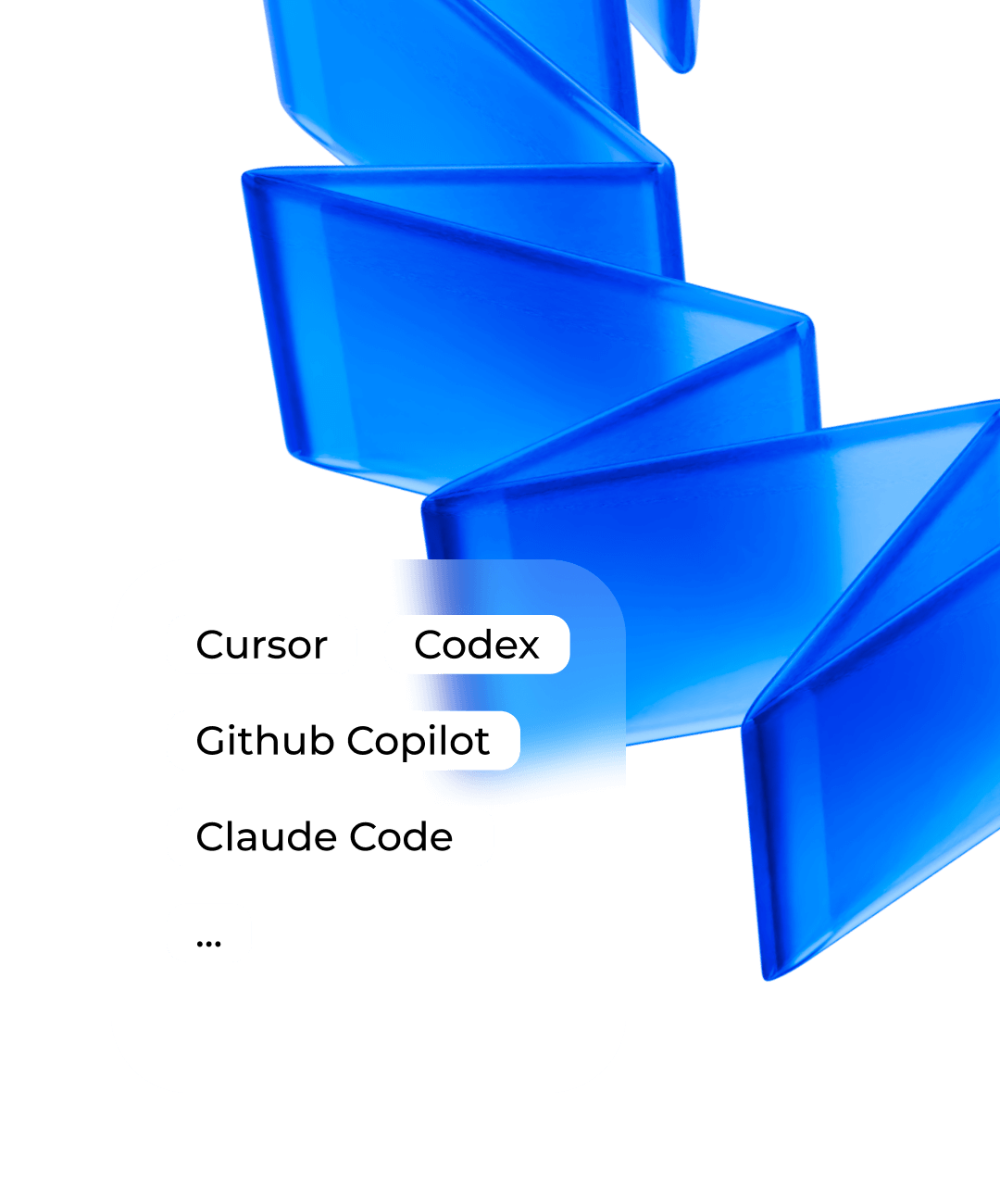
Using MCP Dev Server makes developing Bitrix24 apps or AI integrations a breeze. MCP Dev Server serves as your personal Bitrix24 guide: it helps AI to understand the system logic, use REST API correctly, write code, and come up with robust solutions
Publish your MCP server on the Bitrix24 Market
 .
.